How to get a recording out of your security cameras
Something happened, and you need the video: a dispute with a customer, a damaged car in the parking, a delivery that never arrived. Here is where the recording is, how to get the clip out, why it so often turns out to be missing, and how to find the right minute without watching hours of video.
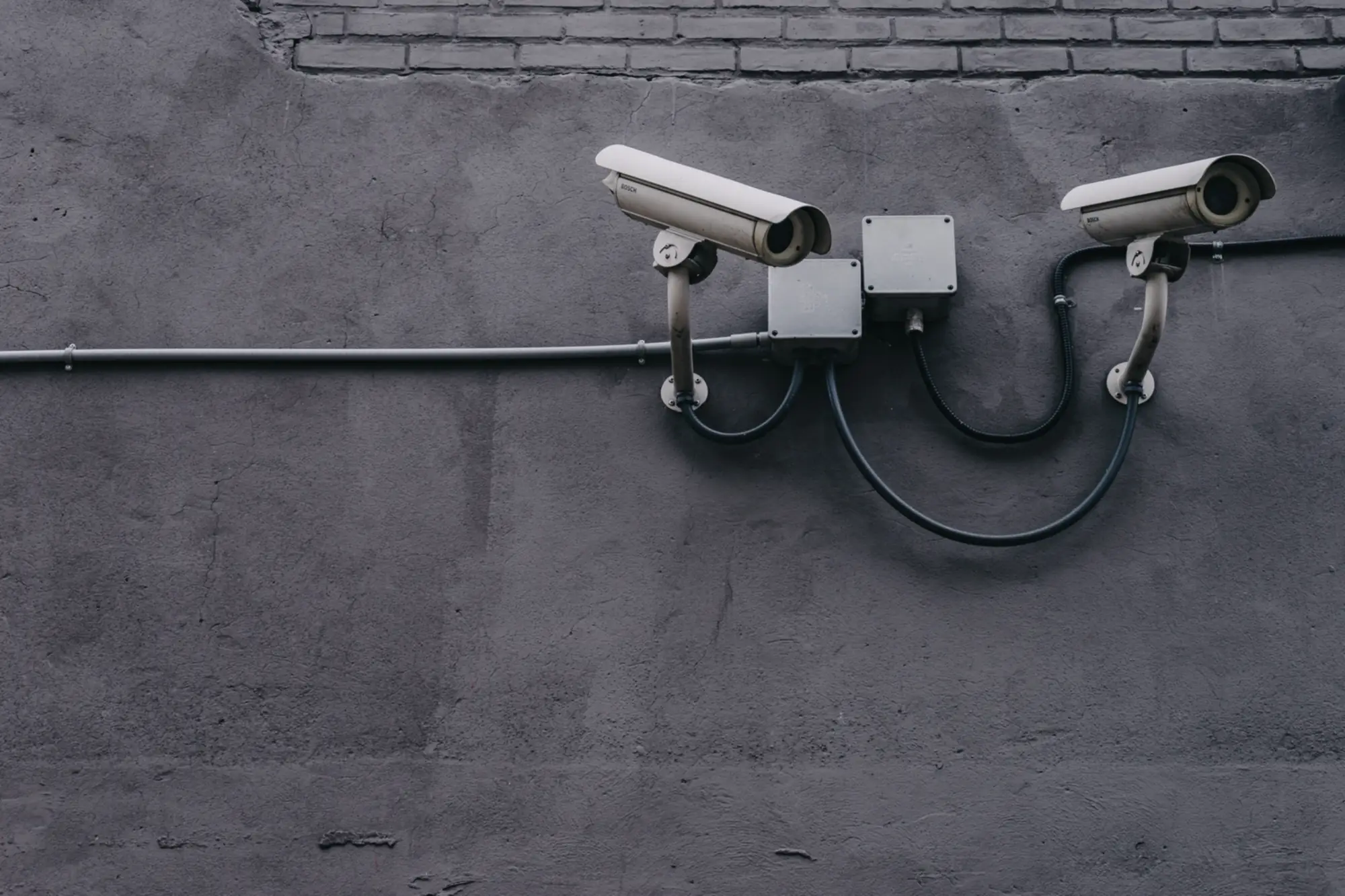
Where the recording is
In most businesses the cameras record to a recorder, a small box (NVR or DVR) with a hard drive, usually in a cupboard or the server room. Some cameras record to a memory card inside the camera, and some to a cloud service.
The recorder keeps a limited number of days, often one or two weeks. After that, the oldest video is overwritten. If you need a clip, export it as soon as you can.
Export a clip on the recorder
Connect a monitor and a mouse to the recorder, or open it in a browser on the office network. Open Playback, choose the camera and the day, and find the moment on the timeline.
Select the part you need and use Export (Hikvision) or Backup (Dahua) to save it to a USB stick. Choose the MP4 format if you will send it to someone, because it plays on any computer or phone.
Or from the phone app
If the recorder is connected to the internet, the maker's app (Hik-Connect for Hikvision, DMSS for Dahua) can play back the recording and save a clip to the phone.
This needs the recorder's account and password. If nobody remembers them, or the person who installed the system has left, getting access back is a job for whoever services the system.
Why the video is often missing
The recorder stopped recording weeks ago and nobody noticed: a full or failed hard drive, a power cut that reset the settings, a camera that came unplugged. The screen still shows live video, so everything looks fine until the day you need a recording.
The clock on the recorder is wrong, so the event is at another time than you search. Or the recording was overwritten because the recorder only keeps a few days.
The only real protection is a daily check that every camera is recording, which is part of how we look after camera systems.
Finding the right minute fast
Scrolling through a day of video from several cameras takes hours. Video analytics does it in seconds: the system recognises people and vehicles as it records, so you can ask for every person in a red jacket at the entrance this morning, or every car at the gate after 22:00.
SureIT adds this AI to cameras a business already has, processed on your own premises. Read more in our guide to AI video analytics.
Who may have the recording
Recordings of people are personal data under Georgia's law on personal data protection. Keep them only as long as you need them, store them where only authorised staff can reach them, and hand them over only for a legal reason, for example at a request from the police.
Put a visible sign where cameras record, and do not record places where people expect privacy.
Make sure your cameras are recording
We check your system, get access back if it is lost, and add AI search so the next clip takes seconds to find.
The service: AI cameras